
See it in action

See WSysFarm in action

Follow one weigh day in the app: connect your WeightechUSA scale over Bluetooth, weigh each animal, update its health record, and watch it all sync to the web portal. Every screen here is the real app.
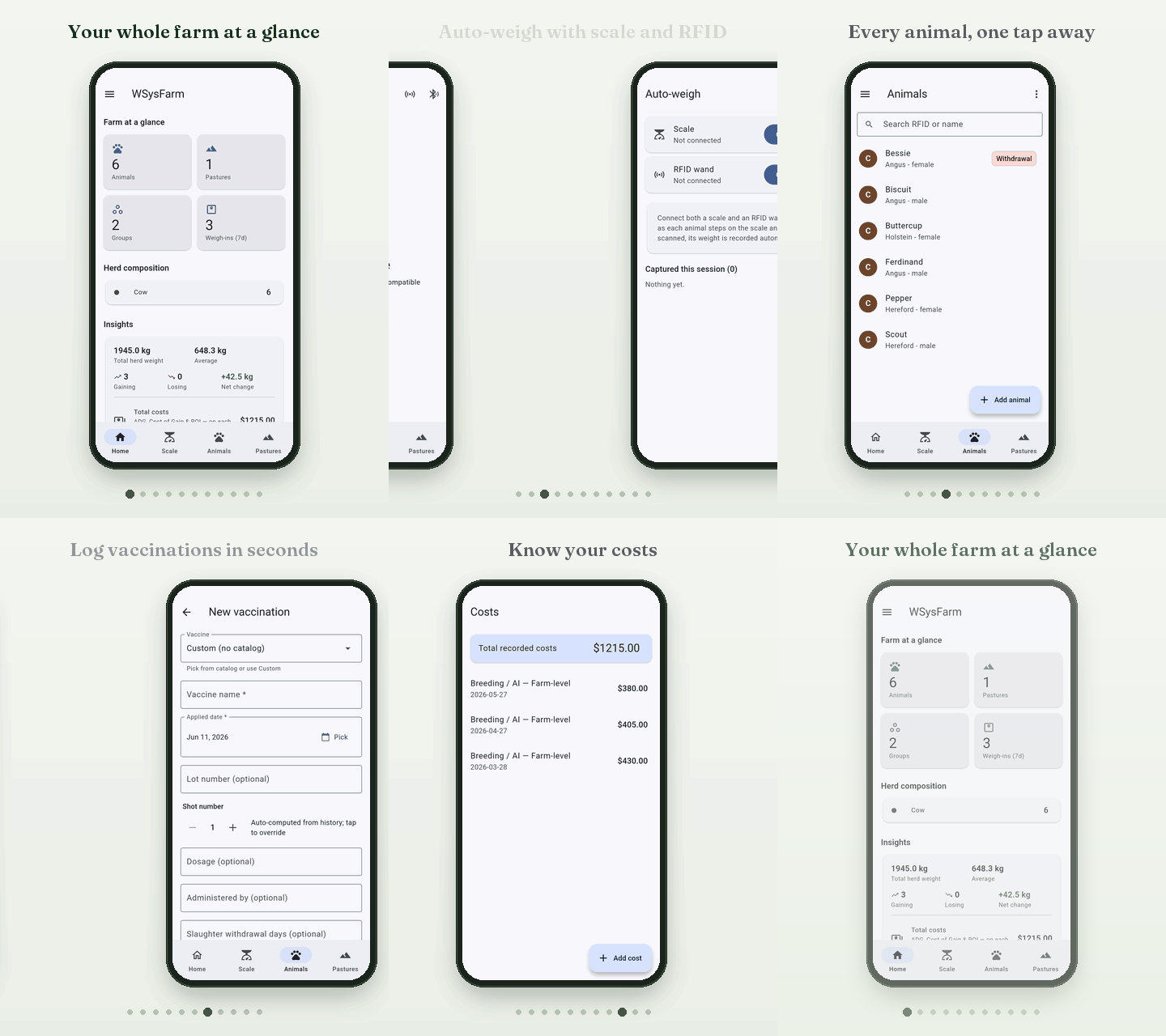
Animated walkthrough of the WSysFarm app on a phone: the home dashboard, connecting a Bluetooth scale, auto-weigh mode, the animal list, an animal's weight and status, its medical timeline, logging a vaccination, pastures, costs and the activity feed.
A weigh day in about twenty seconds. Open the animation on its own.

Step by step

From the scale to the record.

Each step below is a real screen from the app, shown with sample data.

  1. Start with the farm at a glance

    The home screen counts your animals, pastures, groups and recent weigh-ins, then rolls up herd weight, average and gain.
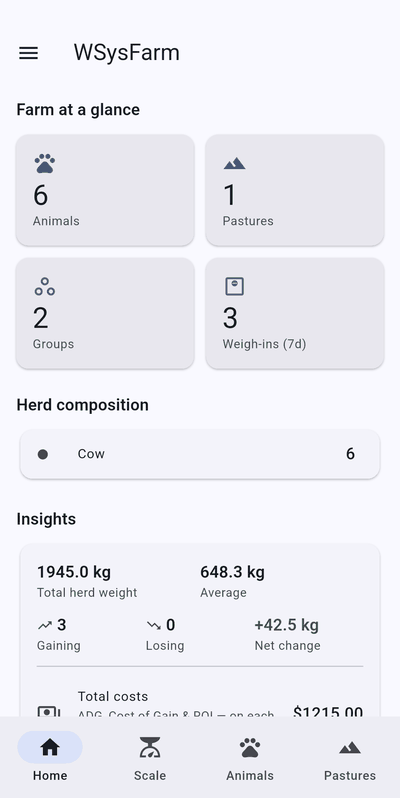
    WSysFarm home screen: Farm at a glance tiles showing 6 animals, 1 pasture, 2 groups and 3 weigh-ins in 7 days, then herd composition and insights with total herd weight 1945 kg and average 648.3 kg.
    Home
  2. Connect your WeightechUSA scale over Bluetooth

    Open the Scale tab and tap Scan for scales. Nearby compatible scales show up ready to pair.
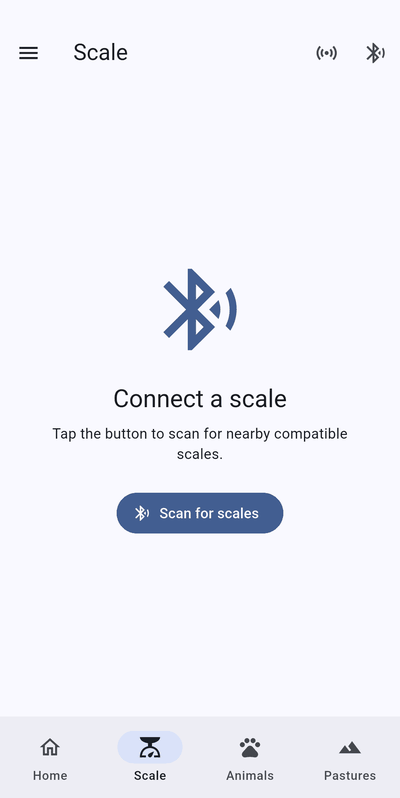
    Scale tab with a Bluetooth icon, the heading Connect a scale and a Scan for scales button.
    Scale
  3. Auto-weigh as each animal steps up

    Connect the scale and an RFID wand. As each animal steps on and is scanned, its weight is recorded automatically.
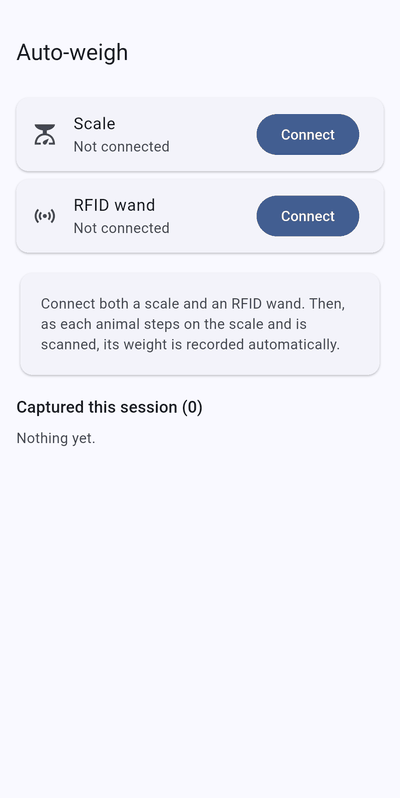
    Auto-weigh screen with Scale and RFID wand rows, each with a Connect button, and a list of animals captured this session.
    Auto-weigh
  4. Find any animal fast

    Search by name or RFID tag, and see at a glance who is in withdrawal.
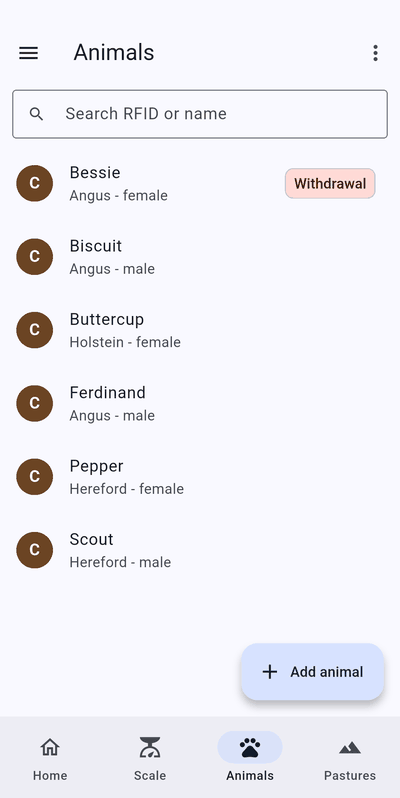
    Animals list with a search box and six animals; one is marked Withdrawal.
    Animals
  5. See weight and status

    Current weight, last weighed date, tags, pasture and group, plus how much the animal has gained since its last weigh-in.
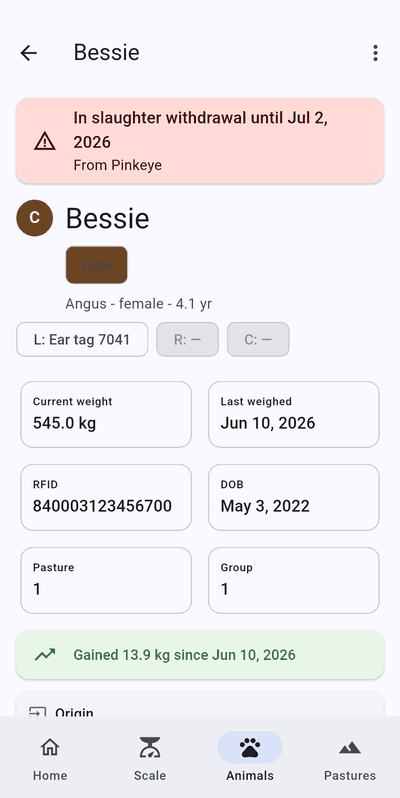
    Animal detail for Bessie with a slaughter-withdrawal warning, current weight 545 kg, last weighed Jun 10 2026, RFID, pasture and group, and a banner showing a gain of 13.9 kg.
    Animal detail
  6. Log vaccinations in seconds

    Pick a vaccine from the catalog or enter a custom one, then add the date, lot, dosage and any withdrawal days.
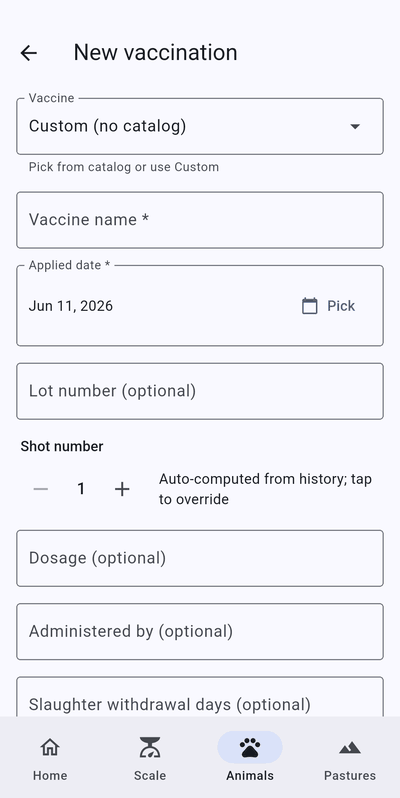
    New vaccination form with fields for vaccine, vaccine name, applied date, lot number, shot number, dosage, administered by and slaughter withdrawal days.
    New vaccination
  7. Keep track of pastures

    Search and manage your pastures by name or city.
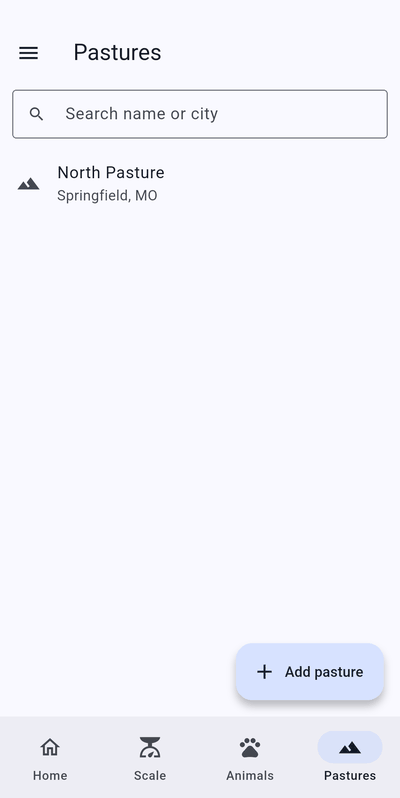
    Pastures list with a search box and one pasture, North Pasture, Springfield MO, and an Add pasture button.
    Pastures
  8. Know your costs

    Record costs as they happen and see the running total.
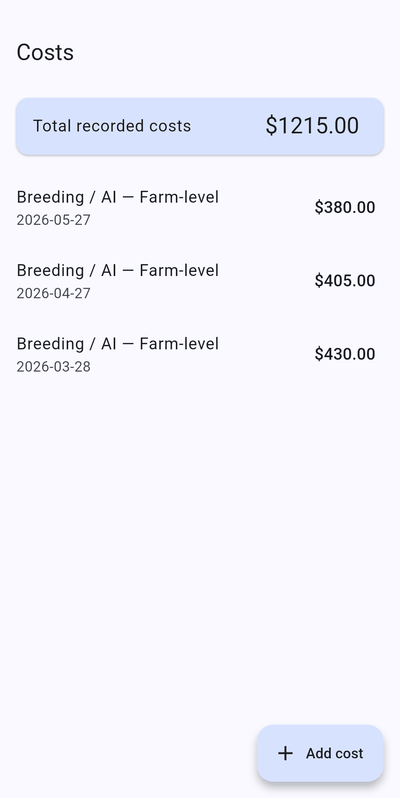
    Costs screen with total recorded costs of $1215.00 and three breeding and AI cost entries, plus an Add cost button.
    Costs
  9. Everything lands in the activity feed

    Weigh-ins, treatments, matings, births and sales are logged, and you can filter by priority.
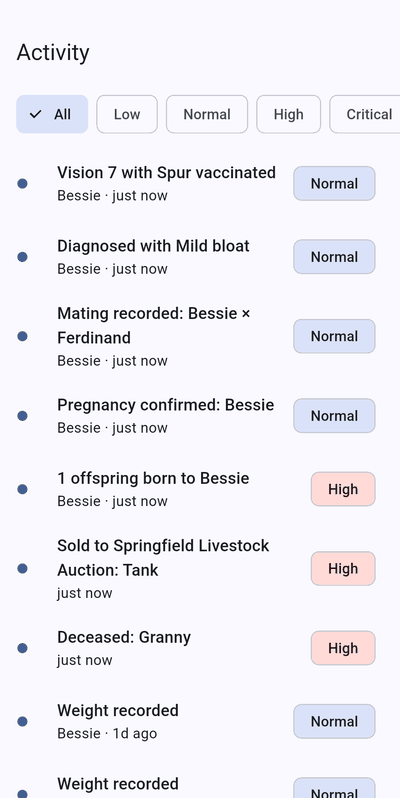
    Activity feed with priority filters and entries such as a vaccination, a diagnosis, a mating, a pregnancy confirmation, a birth, a sale and weight recordings.
    Activity

Screens show sample data. Features and layout may change as the app is updated.

Web portal

Everything syncs to the web portal.

Sign in from any browser to see your herd on a bigger screen: herd weight, average gain, what needs attention, weigh-ins over time and recent activity.

Open the web portal
WSysFarm web portal overview with tiles for active animals, herd weight, average daily gain, pregnant females and death loss, herd movement and financial snapshot panels, and a Needs attention list of overdue vaccinations.
The portal overview, shown with sample data.
An animal page in the web portal showing current weight, last change, total gain and a weight history line chart rising from 620 to 780 kilograms over 18 months.
Every animal's weight history, charted from your weigh-ins.

Ready for your own weigh day?

WSysFarm is livestock management that starts at the scale, built by WeightechUSA around its own scale hardware.